 Virtual Colossus
The cipher mechanism
This page goes into more detail on some of the workings of the M-209, to help you understand how the machine worked.
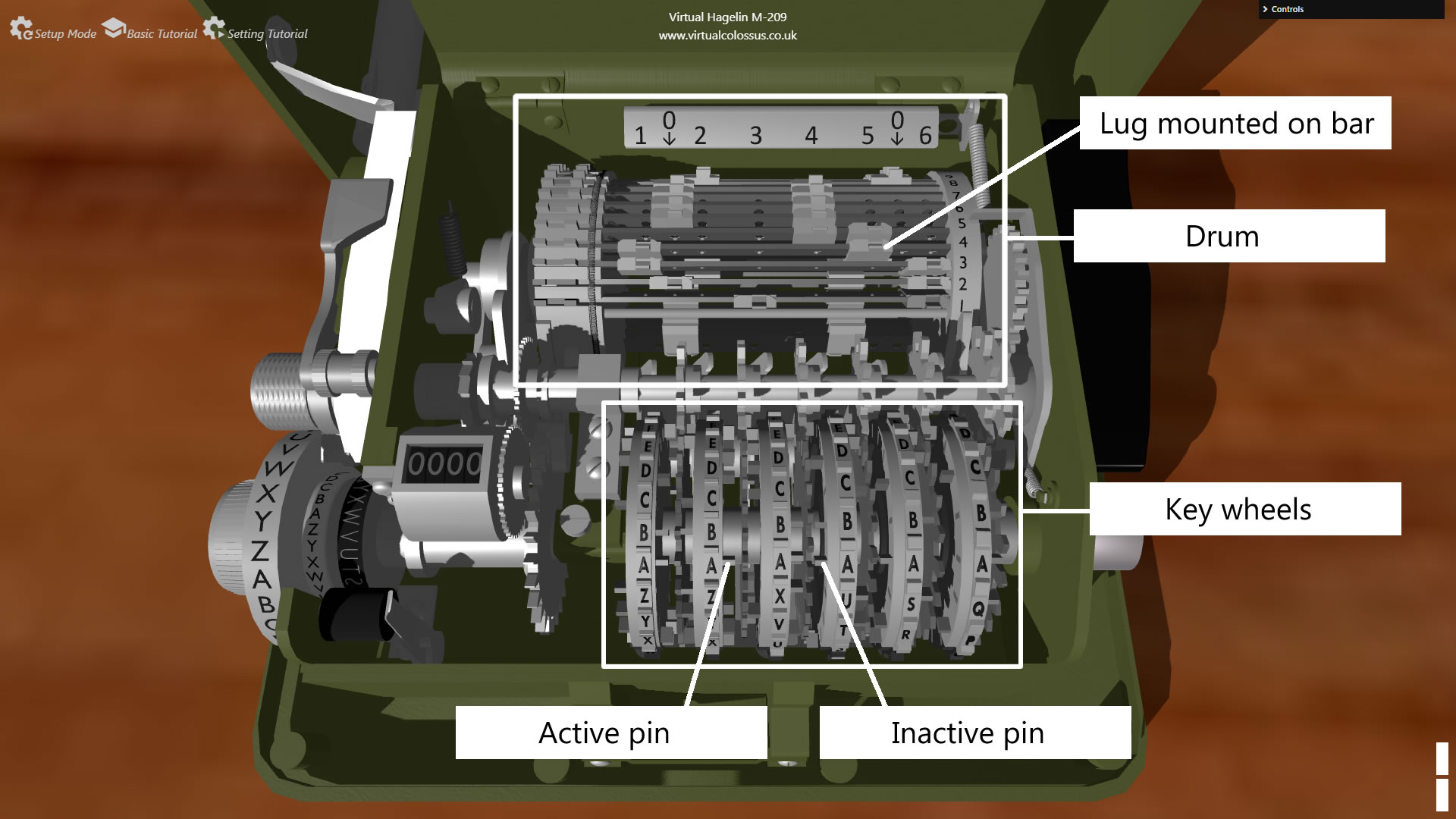
The cipher mechanism has two main parts: the pin-wheels at the front, and the lugs on the 27 bars of the rotating drum at the back.
Each key wheel has a different number of letters, and so a different number of pins. From left to right, the wheels have:
- 26 letters, from A to Z
- 25 letters, from A to Z, except W
- 23 letters, from A to X, except W
- 21 letters, from A to U
- 19 letters, from A to S
- 17 letters, from A to Q
Each pin can be pushed through to the left (inactive) or right (active) side, using the tool kept in the lid.
The lugs and drum
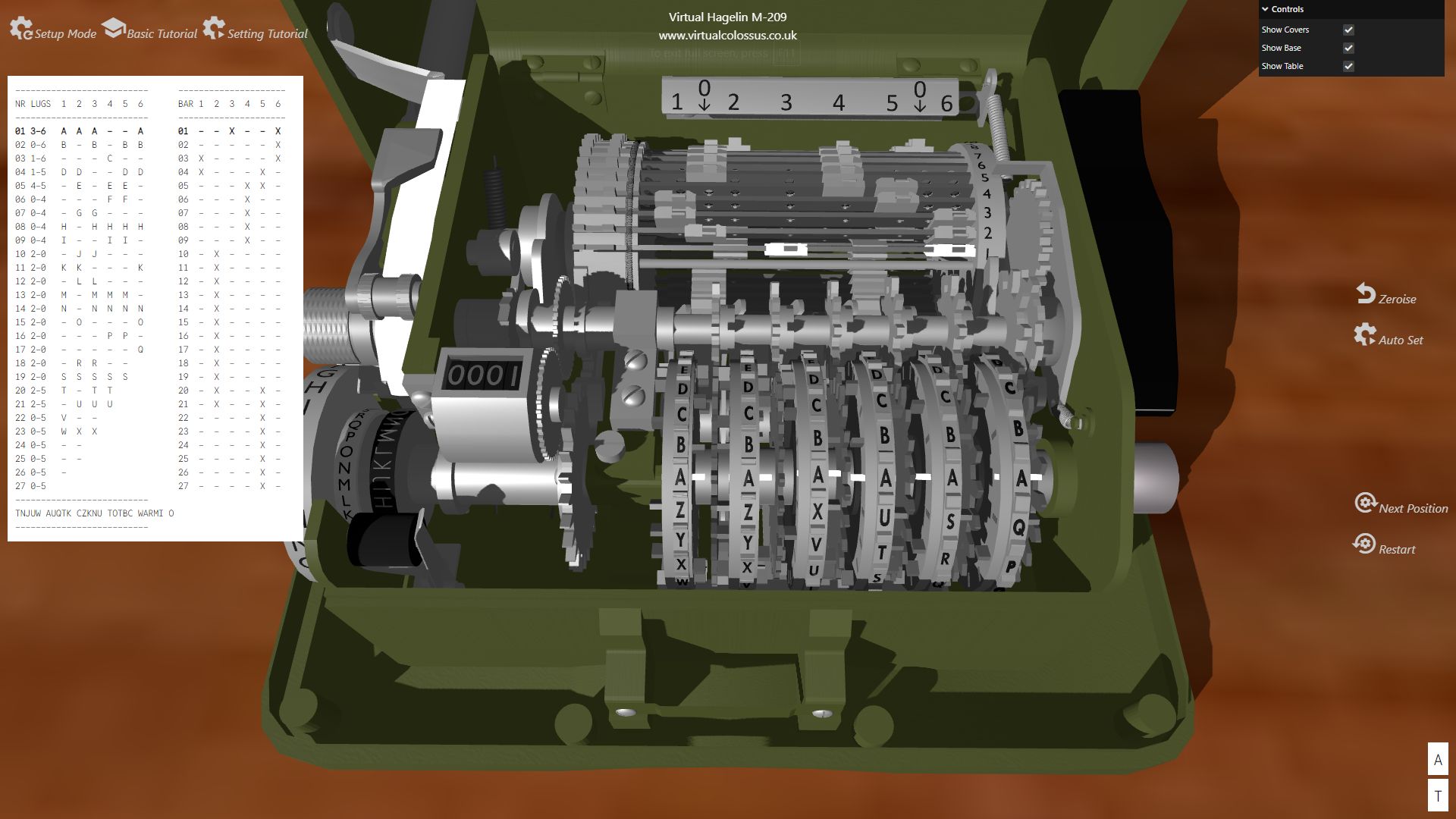
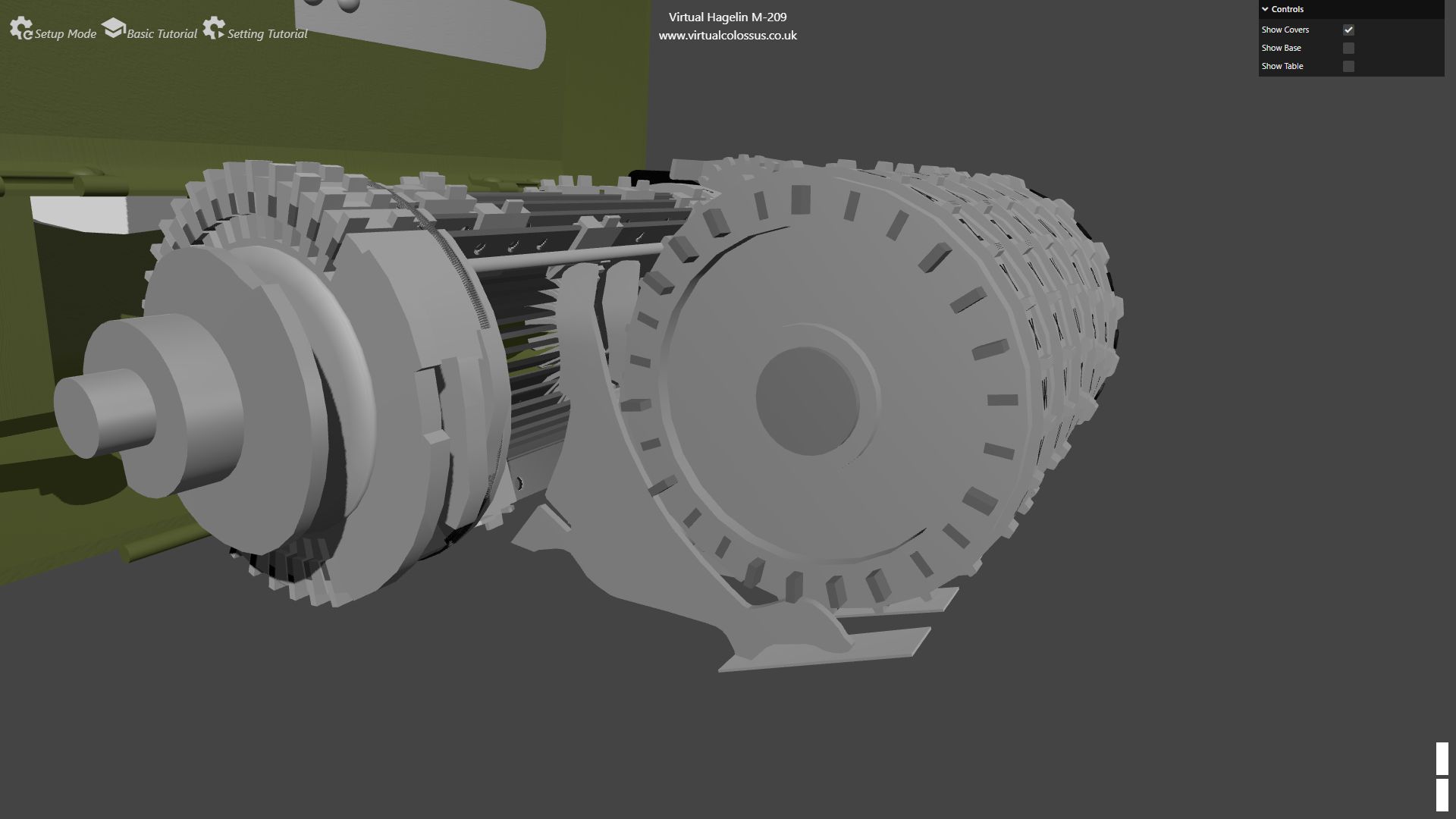
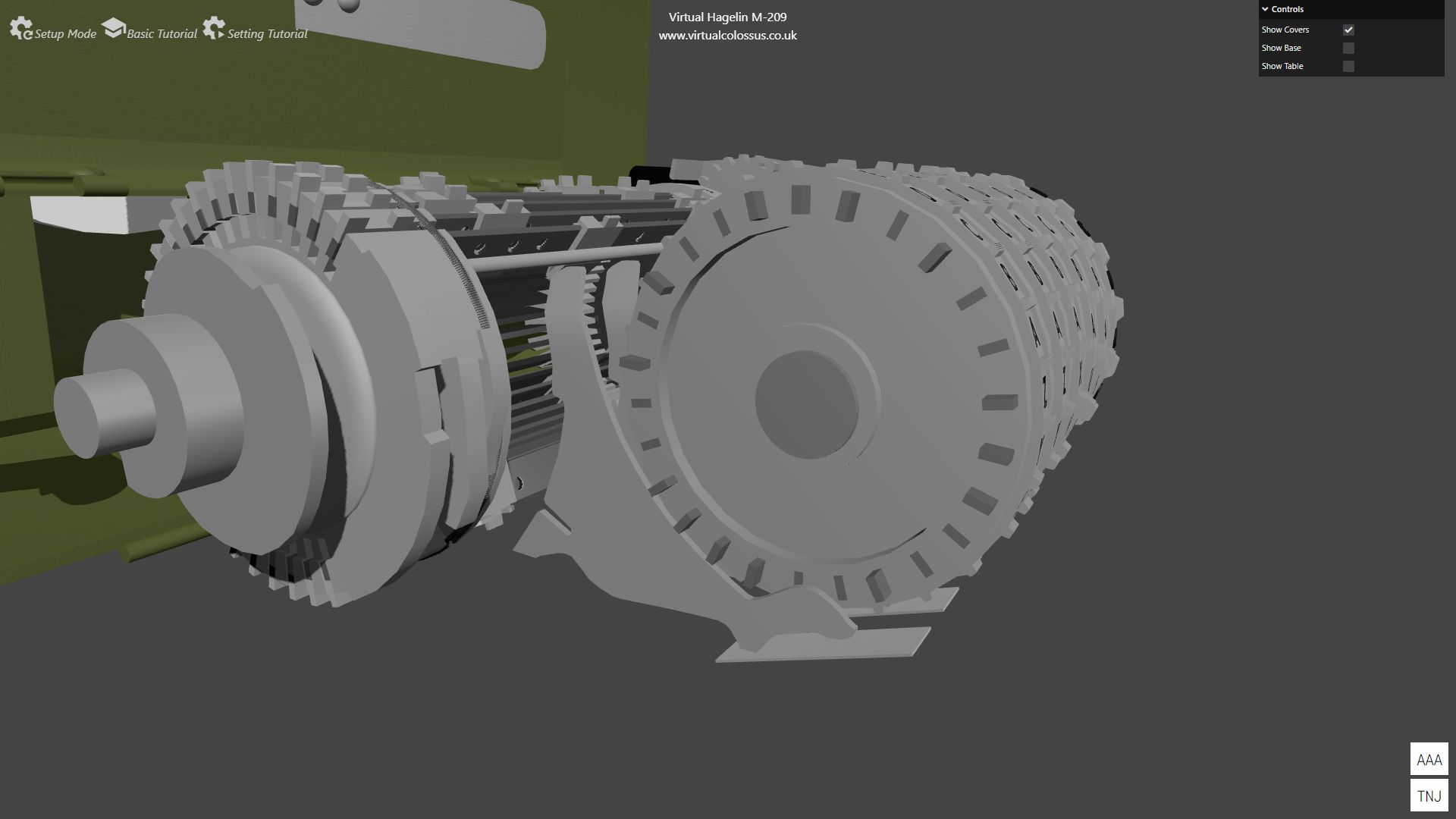
Each of the 27 bars on the drum has two lugs. These can be moved to any of 6 active positions or to one of the inactive positions (marked 0). The lugs sit in small holes along the bar, so to move one you push it away from the bar, which lets it slide to a new position.
Two lugs are highlighted here: the first set at position 3 and the second at position 6.
The video below shows how the pins and lugs work together to move a pseudo-random number of bars across on the drum. As the drum makes one full turn, the bars that have been pushed out act like a gear whose number of teeth can be changed, anywhere from 0 to 27.
This changeable gear meshes with a small gear, which turns the setting knob with the letters on by the same pseudo-random number of steps each turn, depending on how many pins are active and how many of the lugs and bars meet them. The drum also turns an axle connected to each of the pin-wheels, moving each one on a step for every letter enciphered. This changes which pins now meet the arms, and so changes the number of teeth set for the next letter.
The video below, a progress report from while I was making this simulation, shows the full cycle of the mechanism turning the print wheel.
The paper spacing mechanism
When enciphering a message, the M-209 automatically spaces the text into groups of 5 letters with a space between them. How it does this is an amazing piece of engineering: remember, there are no electronic parts; it’s entirely mechanical.
The printer
How does the M-209 print on the paper tape? It’s another neat piece of engineering, using another cam and lever on the end of the drum as it turns. The easiest way to show how the printer works is this video.
What does the cipher/decipher knob do?
You might think the cipher/decipher knob (marked C/D) changes how the machine enciphers letters, but in fact it doesn’t affect the enciphering at all.
What it actually changes is the printer’s grouping and how the Z character is printed. In cipher mode, Z is printed as normal and the letters are printed in groups of 5. In decipher mode, Z is used as a space and the letters are printed without grouping.
This video explains how it’s done:
How this simulation was made
This project to recreate the M-209 began when I found that the Deutsches Museum had created and released CT scans of several of the cipher machines in its collection. The project is documented on the Deutsches Museum 3D-Cipher site, where you can view and download the scans.
A Hagelin machine had always been on my wish list of cipher machines to simulate, and the scans made an unprecedented level of detail possible: very accurate sizes for all the components, and a complete understanding of how the machine works.
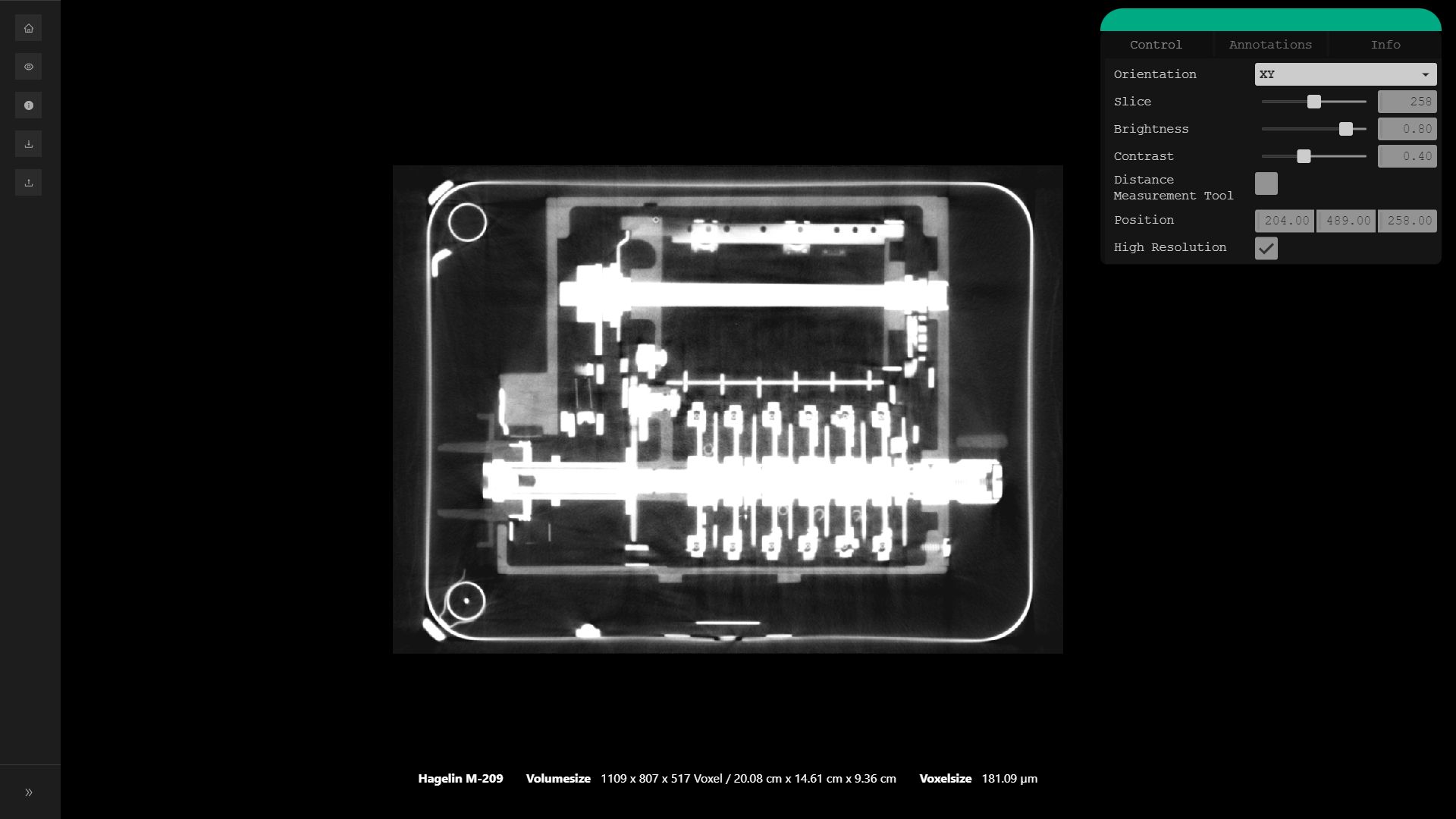
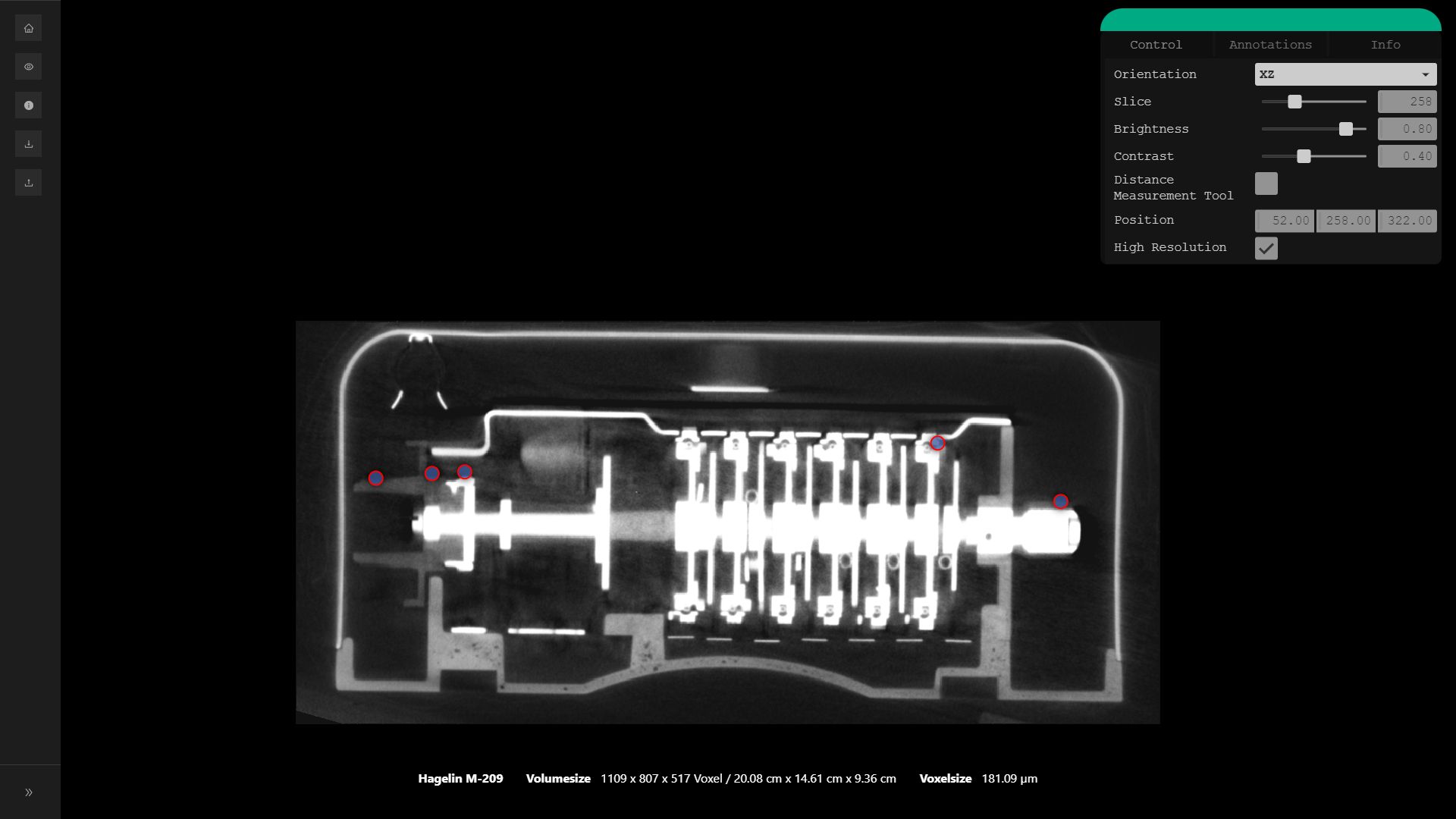
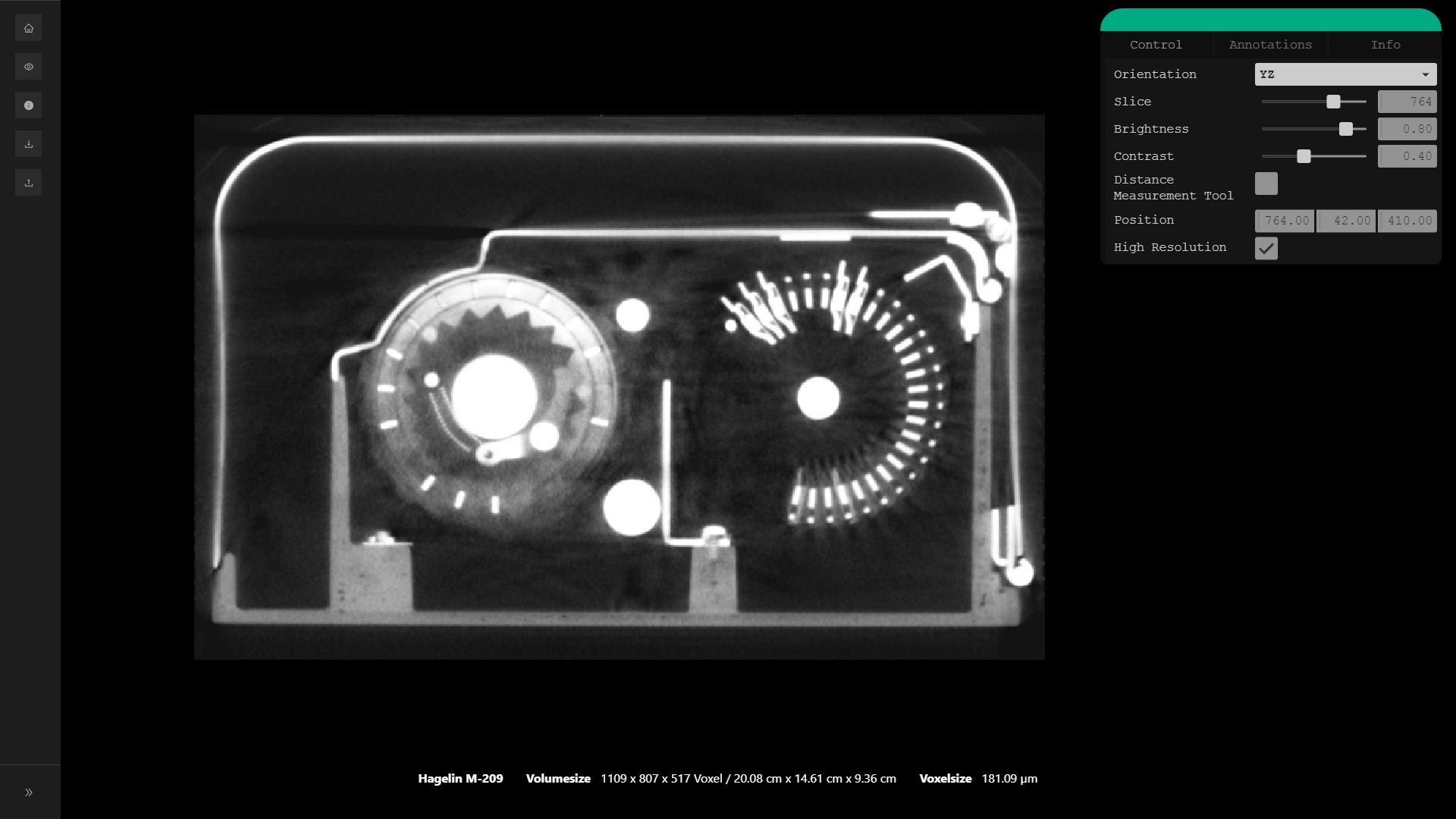
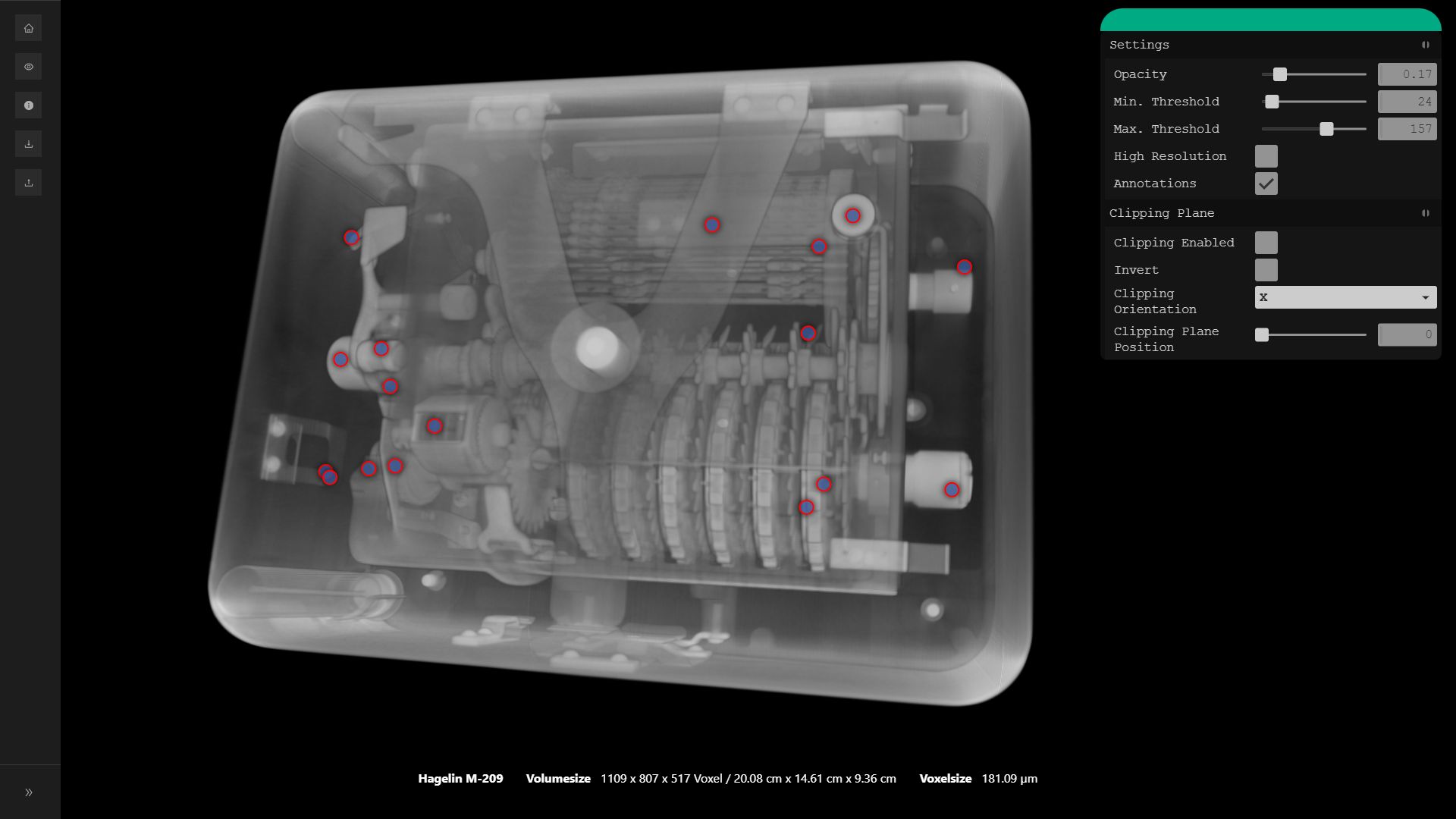
The next step was to turn the stack of sliced images into a 3D mesh model that could be loaded into Blender, a free and open-source 3D design studio. Matthias Göggerle, part of the team on the Deutsches Museum’s 3D scan project, helped greatly with this step.
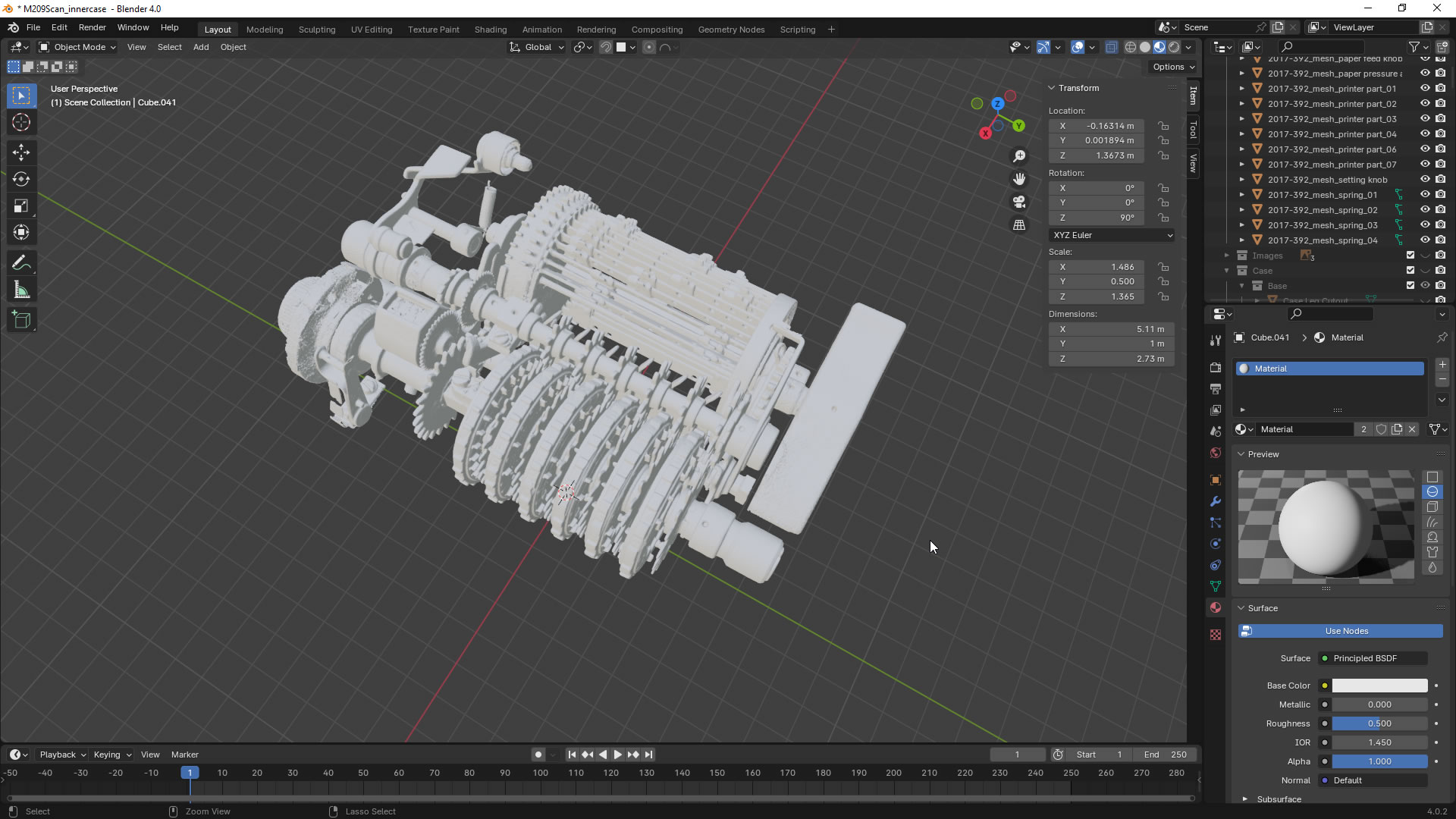
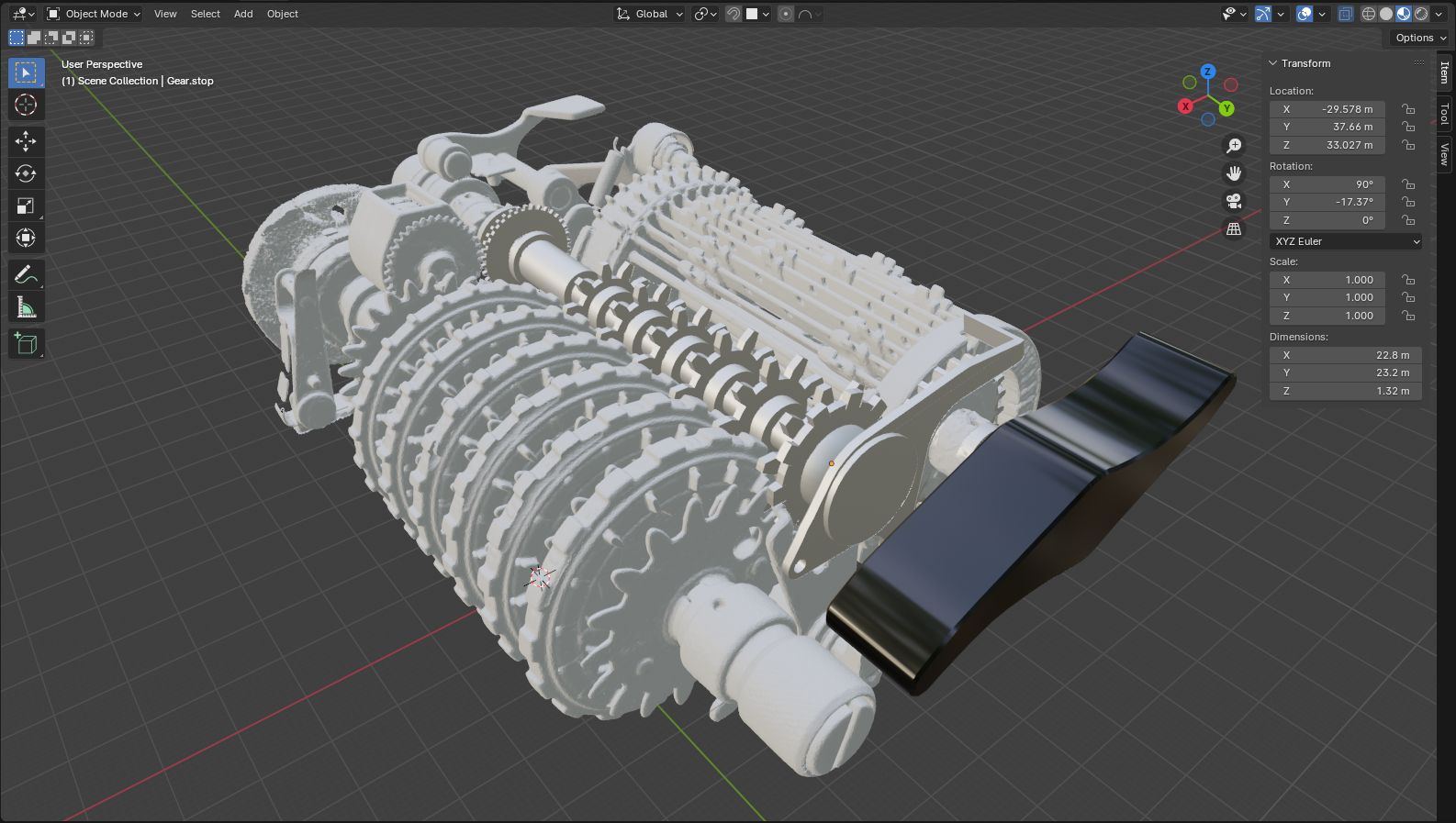
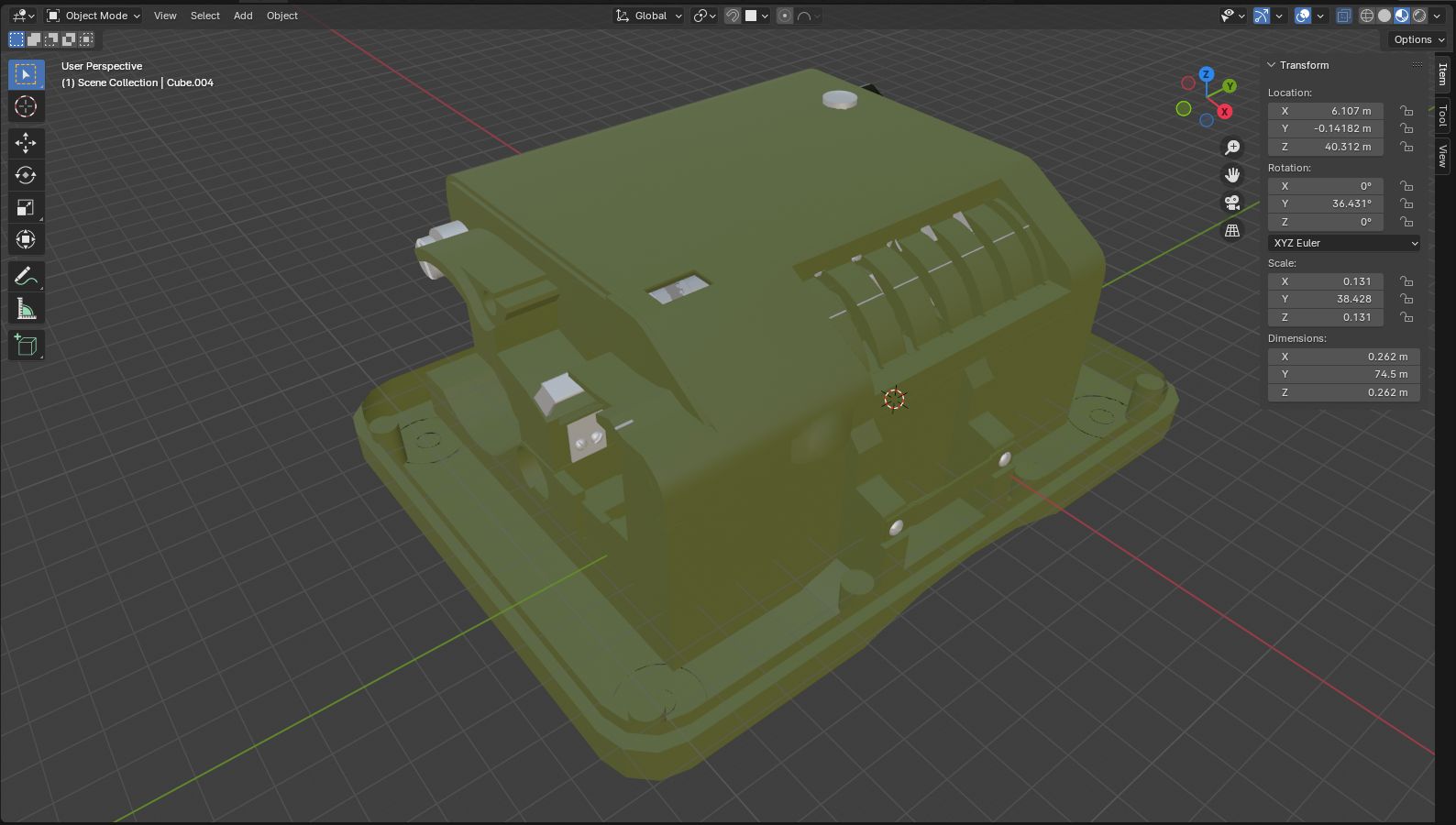
Each component of the model is then loaded and rendered in the browser using an amazing WebGL library called three.js, with all the movement and animation done in JavaScript.